
Surveys
Surveys are an experimental module in TraceX. You can use them to draft and discuss survey questions with your team.
For now, surveys can be used for:
- Brainstorming ideas for surveys you might use in the future
- Drafting survey questions to share with your team for feedback
- Discussing drafts of surveys using the Activity section below the survey
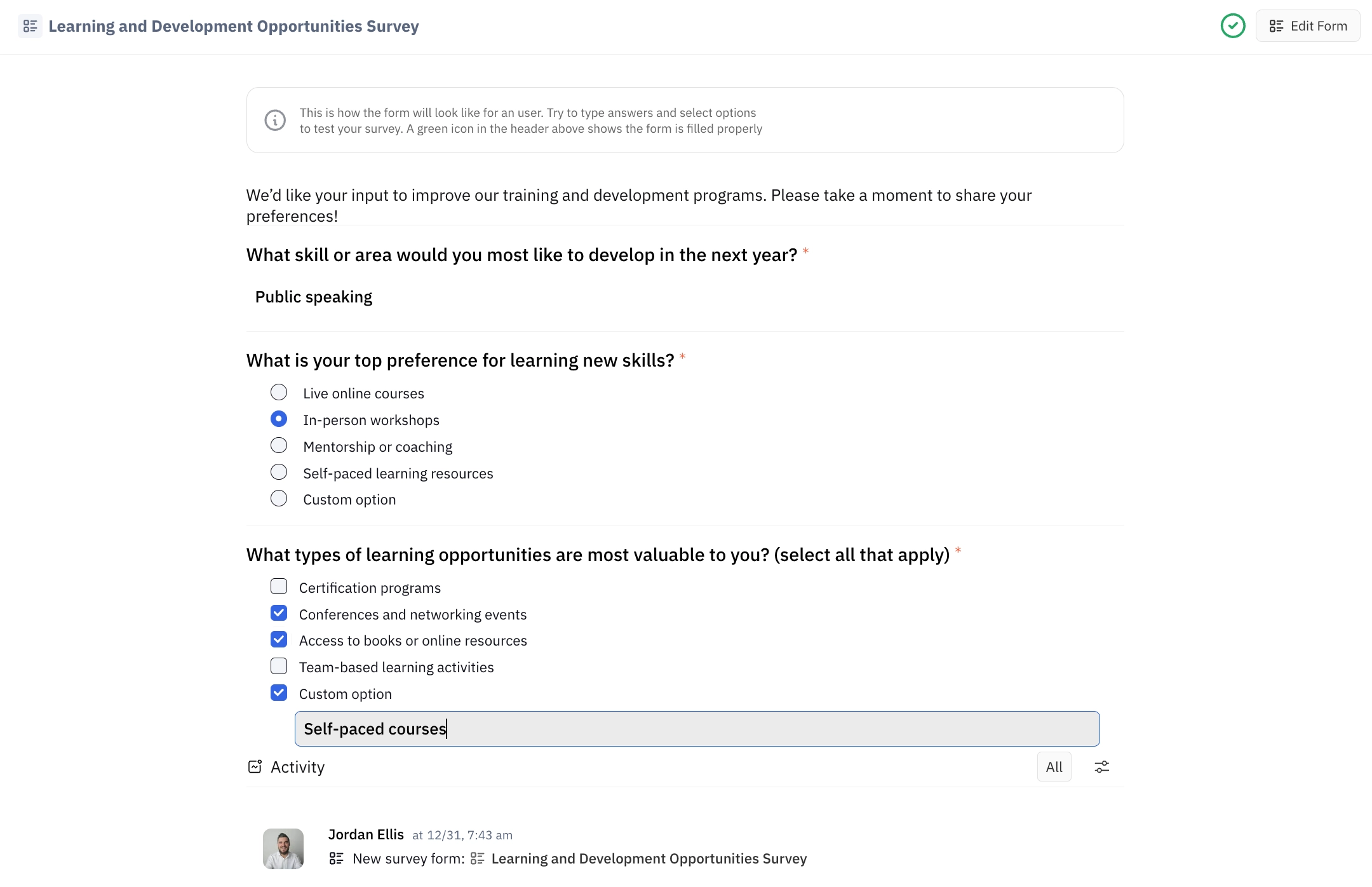
Below is an example of a survey in preview mode:
Creating a survey
Select Survey Forms in the left side menu of the Survey module, then click the + Survey button in the top right corner. Enter a title for your survey an click Create. After opening your survey, you can optionally add a description below the title.
Adding questions
Begin by typing a question in the Questions area and press Enter. From here, you can select the type of question you want to add:
- Simple answer (text field)
- Select an option (single-select radio buttons)
- Select several options (multi-select checkboxes)
You can also set whether the field will be mandatory, and if you want to allow for a write-in custom option (only available for single-select and multi-select questions).
In the current implementation, it is not possible to indicate correct and incorrect answers.
Previewing the survey
Click the Preview button in the top right corner to see how your survey would look.
For now, there is no option to share surveys directly; however, you may choose to send a link to team members and have discussions in the Activity section below the survey.
As you explore, feel free to share your feedback with us to help shape the direction of this feature for future development! The best way to get in touch with us is through our TraceX Community.